











Tap to Pay: how to turn your phone into a POS (without buying anything else)
No external reader, no accessory to connect. Just the phone you're already holding.
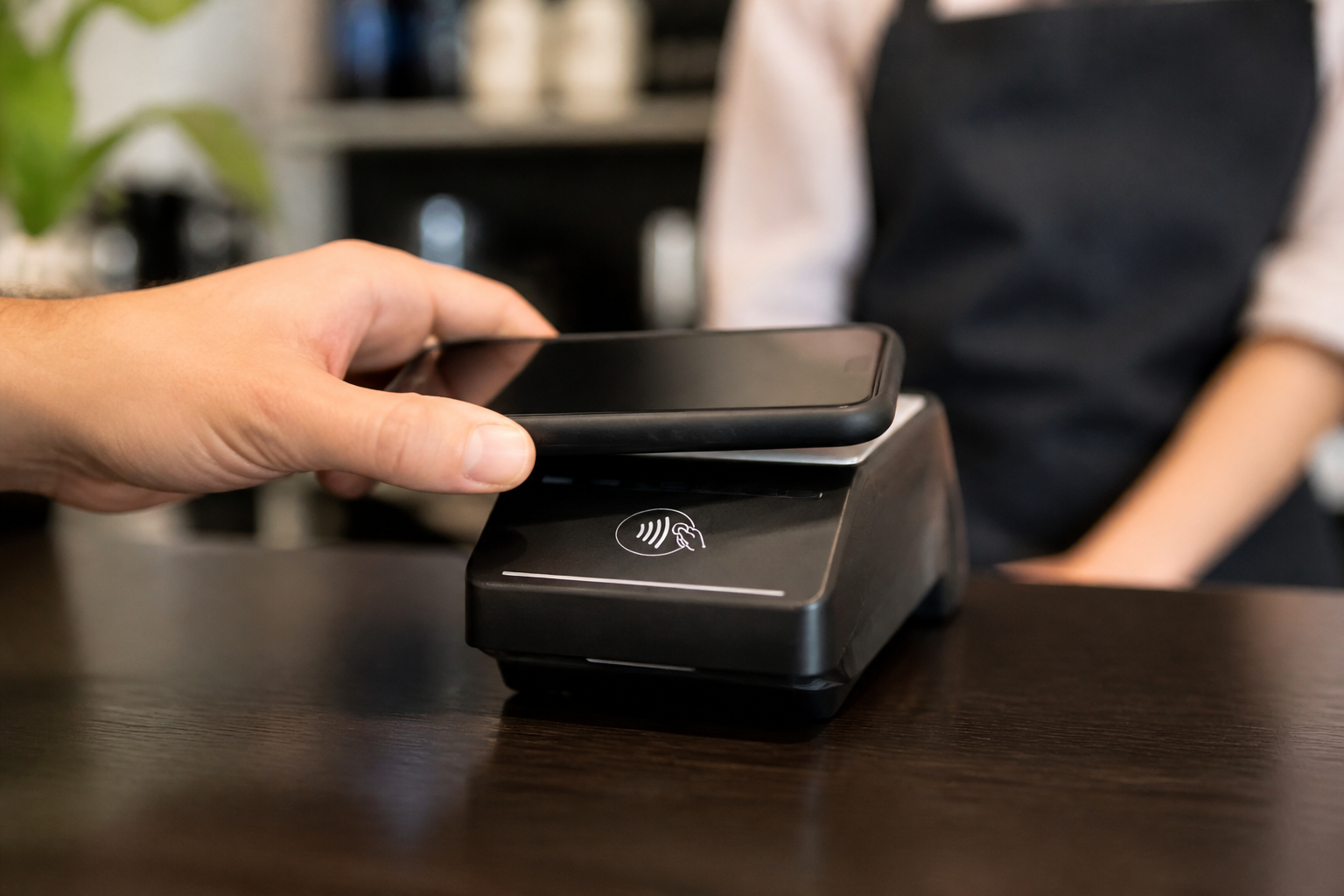
Imagine accepting a card payment simply by tapping the customer's card on the back of your smartphone, with no external accessory connected at all. It's not science fiction: it's Tap to Pay, one of the fastest-growing payment technologies, already available on many recent smartphones. Let's look at how it works and who it makes sense for.
How Tap to Pay really works
The NFC chip built into many recent smartphones (both Android and iPhone) can directly read data from a contactless card or digital wallet, with no external reader connected.
A dedicated app manages the transaction, encrypting the data and sending it to the payment processor, exactly like a traditional POS terminal would.
What you really need to activate it
A compatible smartphone (most recent models are) and an app provided by a payment processor that supports this feature in your country.
You don't need to buy any additional hardware: it's probably the lowest entry barrier that exists today for starting to accept card payments.
When it beats a traditional POS
For businesses starting from scratch or with very low, unpredictable volumes, avoiding any initial hardware investment keeps the financial risk to a minimum.
For professionals working at a customer's home or on occasional mobile jobs, being able to get paid without carrying any extra device is an immediate practical advantage.
The limits worth knowing before choosing
Continuous, intensive use drains the smartphone's battery faster than a dedicated terminal: for high volumes and full days of transactions, a separate device remains more reliable.
Not every payment processor supports this feature yet in every country: always check availability for your specific area before betting everything on this solution.
- Tap to Pay uses the smartphone's NFC chip to read contactless cards, with no additional hardware.
- It's the lowest entry barrier solution for starting to accept card payments.
- For high volumes and intense daily use, a dedicated terminal remains more reliable on battery.
- Always check feature availability in your country before choosing it as your main solution.
- Relying solely on Tap to Pay for a business with high volumes and intense daily use.
- Not checking your smartphone model's compatibility before trying it.
- Ignoring battery drain during long days of transactions.
Frequently asked questions
No, it requires a compatible NFC chip and a recent model. Always check your device's specific compatibility with the payment app provider.
Yes, if provided by a certified payment processor: card data is encrypted exactly as it would be on a dedicated terminal, following the same security standards.
For low volumes, yes, but if you expect growth or intense daily use, it's worth pairing it with a dedicated terminal that's more reliable in the long run.
Start accepting cards without buying anything
With Tap to Pay by Daevon you turn your smartphone into a POS in minutes, with no upfront hardware costs.