










Mobile POS: the guide for getting paid outside the shop
Markets, fairs, home deliveries: if your work has no fixed till, your way of getting paid shouldn't have one either.
A street vendor who only accepts cash loses customers every day who simply don't have cash on them. A plumber who finishes a job at a customer's home risks waiting weeks for a bank transfer. Mobile POS exists exactly for these cases: getting paid anywhere, not just behind a counter. Here's how it works and how to choose the right one.
What a mobile POS really is
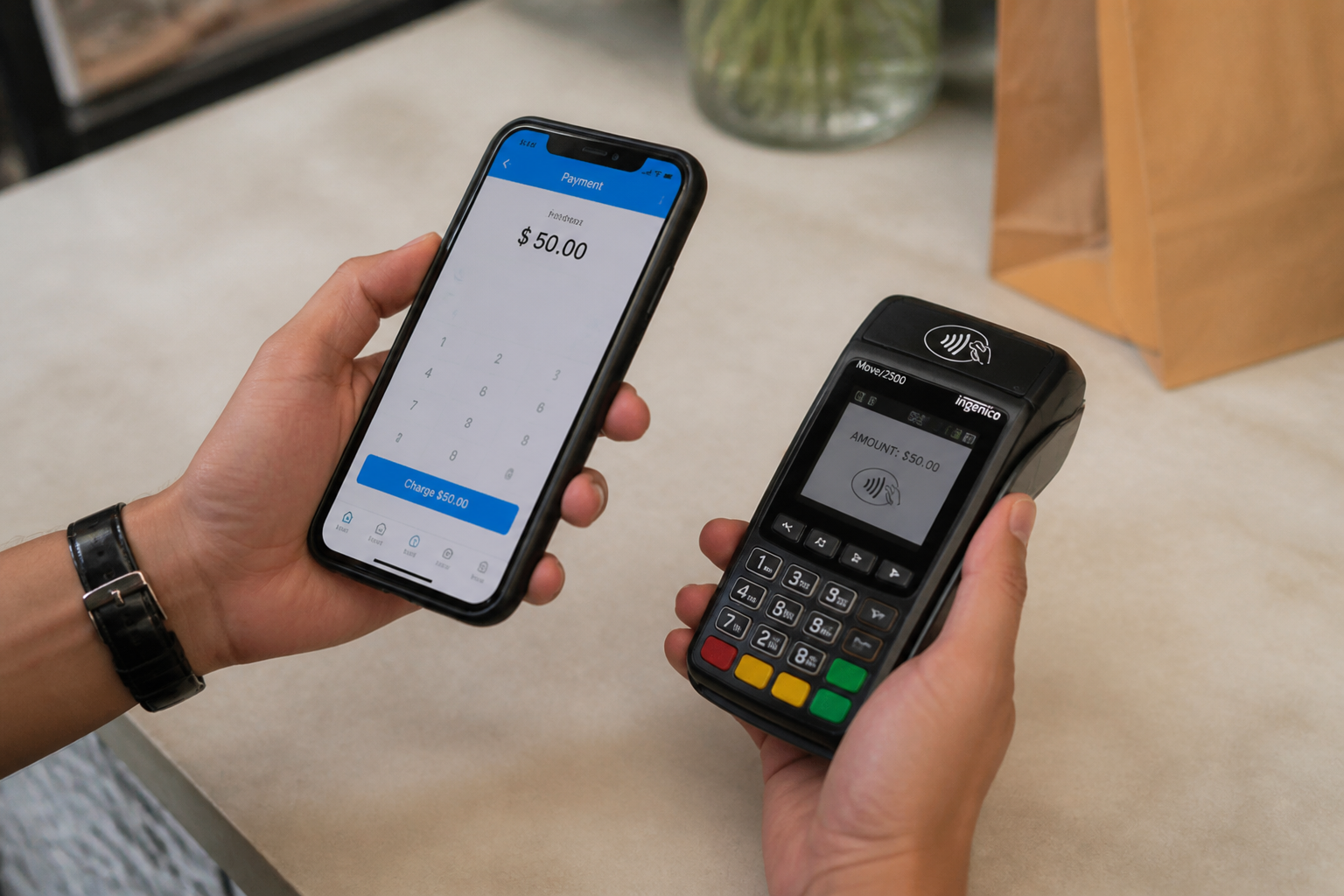
A mobile POS is a compact terminal with its own battery, connecting to the internet via a mobile network (SIM) or through the operator's smartphone via Bluetooth.
Unlike a wireless in-store POS, it's designed to be used entirely away from a fixed station, often all day, far from any charging base.
Who really needs one
Street vendors and those working at markets and fairs, where the very concept of a fixed till doesn't exist.
Home-service professionals (plumbers, electricians, maintenance workers) who want to close the payment the moment they finish the job.
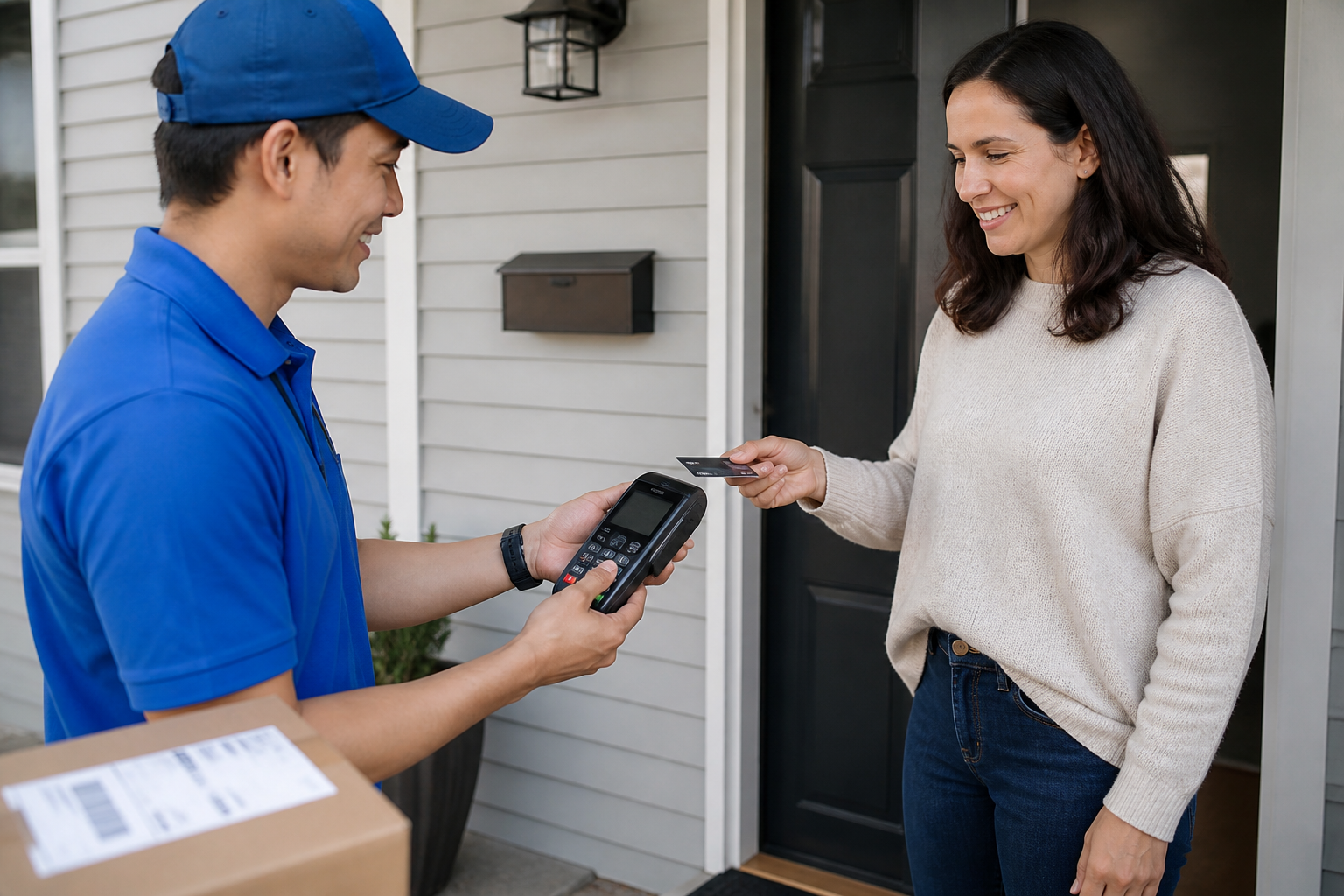
Delivery services, where payment happens at the customer's door, not before.
What to check before choosing
Mobile network coverage in the area where you actually work, not the national average advertised by the carrier.
Battery life for a full working day, not just a test with a handful of transactions.
Whether the data plan cost is included in or separate from the terminal's fee: always check the total monthly cost.
- A mobile POS is designed to work entirely away from a fixed station, all day long.
- It's the natural choice for street vendors, home-service professionals, and delivery services.
- Always check real network coverage in your actual working area, not the advertised average.
- The data plan cost should always be calculated together with the terminal fee, not separately.
- Choosing a mobile POS without checking network coverage in your real working area.
- Not considering battery life for a complete working day.
- Confusing a mobile POS with a simple in-store wireless POS: they're built for different uses.
Frequently asked questions
Yes, most models use a built-in data SIM, designed to work anywhere there's signal, without needing Wi-Fi.
A mobile POS is a dedicated hardware device; a POS app turns the smartphone itself into a card reader, often with a small additional Bluetooth accessory.
It varies a lot by provider: some offer plans with no fixed fee and a higher per-transaction commission, others a small monthly fee with lower commissions.
Get paid wherever you work, no cables, no hassle
Daevon's mobile POS terminals combine reliable network coverage and transparent fees, for anyone working outside the shop.